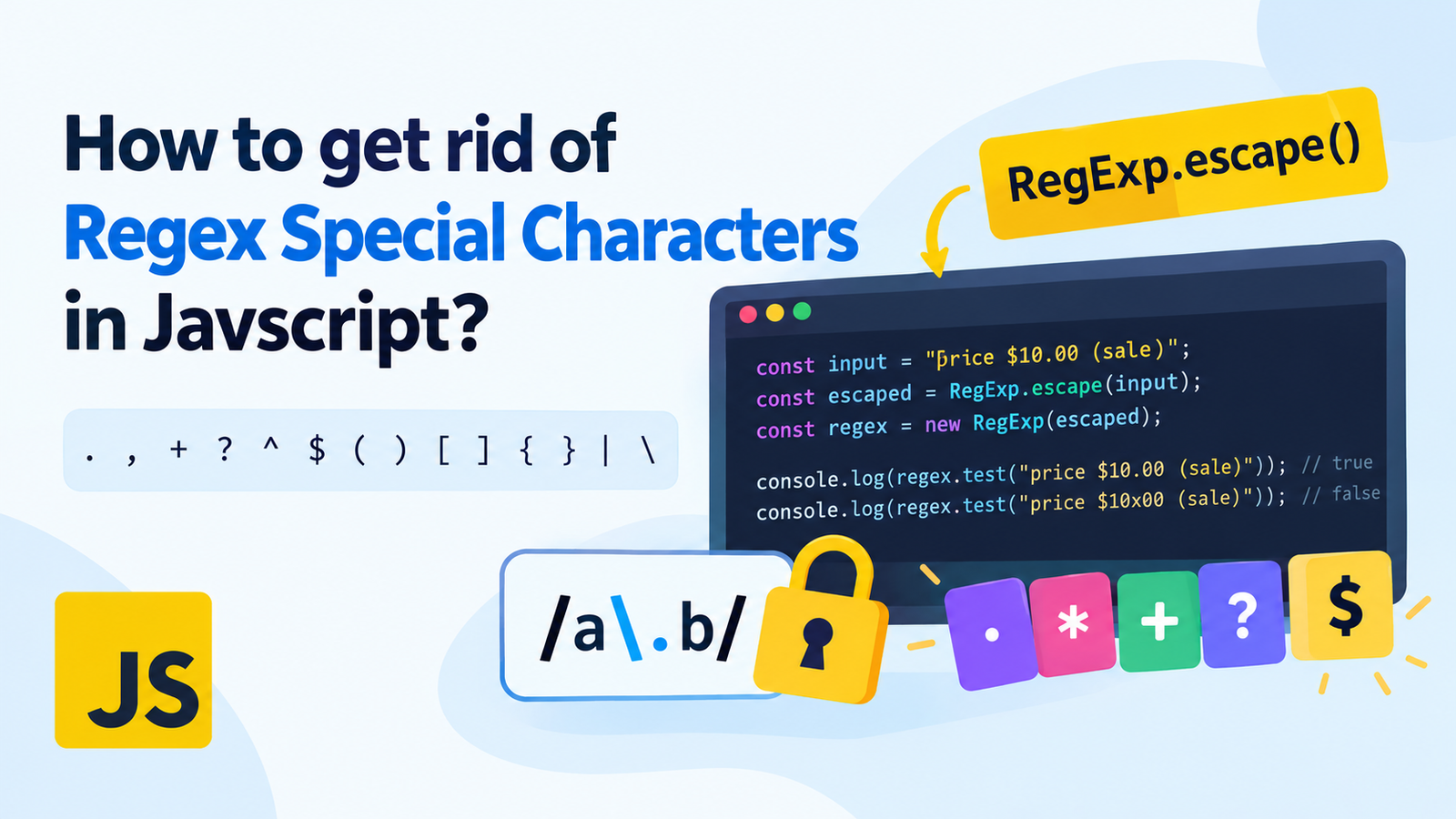
How to get rid of Regex Special Characters in Javscript?
Regex can be incredibly useful in JavaScript, especially when searching, matching, replacing or validating text. But there are some special characters in regular expressions. Characters such as ., , +, ?, ^, $, (, ), [, ], {, }, |, and \ can change how a pattern behaves.
To match these characters exactly you must escape them the right way. If the pattern is not properly escaped, it can match the wrong text, crash or return the wrong results.
This tutorial will show you how to escape the special characters in regular expressions in JavaScript, the new RegExp.escape() method, how to make a reusable escaping function for backwards compatibility, and about common errors made in regex escaping. escape regex special characters in JavaScript
Special Characters in JavaScript Regular Expressions?
Regex special characters are special characters that hold a meaning within a regular expression. They are not necessarily characters, but rather are used to control how a pattern matches text.
For instance, the period (.) matches any single character, by default, except the line terminators. The asterisk (*) indicates that the previous pattern may be repeated any number of times (0 or more).
Consider this example:
const regex = /a.b/;

console.log(regex.test("acb"));  // true
console.log(regex.test("a.b"));  // true
console.log(regex.test("axb"));  // true
There are multiple characters for the dot, thus the pattern works for all 3 strings.
According to this, to match just a literal text a.b it is necessary to escape the “.”:
const regex = /a\.b/;

console.log(regex.test("a.b"));  // true
console.log(regex.test("acb"));  // false
The backslash is used to escape the wildcard meaning of the dot in the regular expression, so that it represents a literal dot.
Special characters used in Regular Expressions.
Here are some common regular expression symbols that have special meanings in JavaScript.
| Character | Meaning |
|---|---|
| Matches any single character | |
| Matches any number of occurrences (zero or more) | |
| + | One or more repetition |
| Optional quantifier or adjusts its use of quantifiers | |
| ^ | Matches the start of input, or a line (in multiline mode) |
| $ | Matches the end of input (line in multiline mode) |
| ( and ) | parenthesize expression or make capturing groups |
| Specify character classes | [ and ] |
| { and } | Define quantifiers |
| | | Alternation; OR |
| Basa-basa paglus offensives, special sequences |
Certain characters are special characters that can be used only in specific situations. A hyphen (-) can define a range within a character class, for instance, and a caret (^) at the start of a character class can negate that character class.
Knowing these characters will assist you in creating regex patterns that will match the desired text.
It will render special characters to literally match these.
To literally match special characters; use RegExp.escape().
The easiest more modern answer is JavaScript’s native RegExp.escape(). it is put in a string to escape it so it is safe for use as a literal pattern in a regular expression.
This is particularly helpful when user input, search terms, filenames, and other text, for which an exact match should be made, are part of a regex pattern.
A Regex pattern is being used to match a string.Example: A string is being matched to a Regex pattern.
const userInput = "price $10.00 (sale)";
const escapedInput = RegExp.escape(userInput);

var regularExpression = new RegExp(escapedInput);

console.log(regex.test("price $10.00 (sale)")); // true
console.log(regex.test("price $10x00 (sale)")); // false
In here, RegExp.escape() escapes special characters in the input and these escaped characters are then used in the string passed to the RegExp constructor.
Consequently, the $, ., and ( and ) are considered literal instead of regular expression operands.
Why Use RegExp.escape()?
This is an inbuilt method, and it has several benefits:
- The regex syntax characters are automatically handled.
- It lessens the possibilities of matching mistakes.
- It can help create dynamic regex patterns.
- It helps prevent accidental altering of the behavior of regexes as a result of user input.
- It is not necessary to have your own escaping function.
Browser compatibility note: The RegExp.escape() function is an up-to-date feature of JavaScript. Test to see if it’s compatible with your target browsers and JavaScript runtime. If you’re supporting older environments that do not supporting this approach, consider a Polyfill or a closely-thought-out alternative.
Manually: Escape Regex Special characters
A second way to escape special characters is to put a backslash in front of the character.
For example:
const regex = /\$\d+\.\d{2}/;

console.log(regex.test("$10.99")); // true
console.log(regex.test("10x99"));  // false
In this pattern:
- $ matches the literal $ sign.
- \d+ : any number of digits.
- . matches a literal period.
- \d{2} is any pair of digits.
When you’re confident about what you’re looking for, manual escaping can come in handy.
But expressing a long string with a lot of special characters can be quite tedious and prone to mistakes to do manually. In dynamic input, using an escaping method is more convenient.
To escape regex characters, you need to specially create a Custom Function.
Where there’s no RegExp.escape(), you can use a custom function that deals with common regex syntax characters.
function escapeRegex(string) {
  return string.replace(/[.+?^${}()|[\]\\]/g, "\\$&");
}

const input = "file.name(1).txt";
const escaped = escapeRegex(input);

let regex = new RegExp(escaped);

console.log(regex.test("file.name(1).txt")); // true
console.log(regex.test("fileXname(1)Xtxt")); // false
How Does This Function Work?
Let’s simplify the expression:
/[.+?^${}()|[\]\\]/gThis character class is used to match the basic regex syntax characters that must be escaped.
An expression that starts with ‘[]’ specifies the range of characters to match.
The special characters to match are listed in these characters: – .+?^${}().
The full character class translates the [] to – [] -.
- \ is a literal backslash.
- g will apply replacement globally, meaning all characters matched will be replaced.
The string to replace is:
"\\$&"$& is the entire matched substring in the replacement strings of JavaScript. Because a backslash character needs to be escaped in a JavaScript string, it is escaped yet again, resulting in \.
Thus every matching character gets a backslash in front of it.
Note: This function can serve as a practical alternative for escaping the characters of regexp syntax, but does not supplant the well-defined RegExp.escape( ) algorithm in all possible embedding situations. Consider using RegExp.escape if it is available, particularly if escaping text to complex regexes.
4. Avoid User Controlled Inputs to Concatenate Regular Expressions
Dynamic regex patterns can be helpful if you need to pass in text to be searched from a user or generated by your application.
But if you put raw data into your regex, that behavior of the regex may change with the special characters.
Incorrect Approach
const searchTerm = "user.name";
var searchTerm = "harry";var regex = new RegExp(searchTerm);

console.log(regex.test("userXname")); // true
This is one of the examples where it is not obvious that there will be a match, since the dot will match any single character.
Correct Approach
const searchTerm = "user.name";
const escapedTerm = RegExp.escape(searchTerm);
This will create a RegExp object using the escaped term as the pattern.
console.log(regex.test("user.name")); // true
console.log(regex.test("userXname")); // false
If you escape the search term you will ensure that the dot matches itself as a literal character.
It is applicable for search fields, filter tools, text editors and other applications that need to create a regex pattern from an external input.
Note that escaping input does not make an entire application secure, it just makes input safe. But input validation, controlling the complexity of Regex patterns and dealing with errors properly is important.
Escape special characters within a bigger pattern
In some cases, it is necessary to mix text with REGEX operators.
For instance, you might need to match a product code but specify an optional flexible number of digits at the end.
const productName = "item.v2";
const escapedName = RegExp.escape(productName);

const regex = new RegExp("^" + escapedName + "-\\d+$");

console.log(regex.test("item.v2-123")); // true
console.log(regex.test("itemXv2-123")); // false
In this example:
- ^ matches the start of the text.
- RegExp.escape(productName) exactly matches the product name.
-
- can be used to match the literal hyphen.
The pattern includes a wild card pattern \d+, which matches a digit followed by one or more digits.
- $ indicates the end of input.
The main thing here is literal text will be escaped. The operators of the regexp you knowingly wish to use are still active.
Furthermore, RegExp.escape() may escape some initial characters by adding hexadecimal escapes that will not affect the previous regex characters. This is a normal occurrence.
Explain the difference between regex literals, and strings.
There are two common methods of defining a JavaScript regular expression.
Regex Literal
const regex = /\./;

console.log(regex.test(".")); // true
The dot ( . ) in regex means match any character.
RegExp Constructor
const regex = new RegExp("\\.");

console.log(regex.test(".")); // true
If you use the RegExp constructor to specify a pattern from a text string, the backslash also needs to be escaped using JavaScript string syntax.
Example: “\.” is converted to the regex pattern ..
Let’s compare the following examples:
| Method | Code | Meaning |
|---|---|---|
| Regex literal | /./ | Matches a literal dot. |
| Constructor – Creates a regular expression to match a literal dot | ||
| Minor | ‘(.)’ | Matches almost any single character |
This is one of the things which is most frequently misunderstood in working with regex in JavaScript.
8. Matching With a Double Dollar Sign
When dynamically creating regular expressions, even expert developers can find themselves in escaping trouble.
Mistake 1: Don’t remember to escape the Dot
const regex = /file.txt/;The dot is a wildcard and this pattern will also match strings like fileXtxt.
If it’s necessary to use a literal period, use the escaped version:
const regex = /file\.txt/;Mistake 2: Incorrectly writing ‘\’ in a string
var regex = new RegExp(".擝);This is not a proper way of denying the presence of a literal dot in the middle of a JavaScript string. String escaping is done prior to the pattern being interpreted by the regex engine.
Use:
const regex = new RegExp("\\.");Or when using dynamic input for the literal (RegExp.escape()).
Mistake 3: Pepping out of the whole pattern
When escaping out of the whole regexp, you can end up turning what are supposed to be operators into literal characters.
For instance, by escaping \d+ it will no longer recognize a sequence of one or more digits.
Only escape what you want to be interpreted literally (and do NOT escape what you would like to be interpreted as regex).
Mistake #4: Every character has to be escaped
Not all character are escaped in all regex. Some of the characters are regular alphanumeric characters outside of special contexts, others have meanings that depend on their contexts.
Patterns may become less obvious with a tendency towards issues with patterns in Unicode mode with patterns containing over-escaping.
If you need to use literal strings, escape them with RegExp.escape(), rather than specializing on each case for escaped characters.
Mistake 5: Browser Compatibility not being looked at.
When performing operation RegExp.escape() in an environment that does not support it, an error may result.
Verify that you have met the necessary browser and run-time requirements prior to using the method. In older environments, support as needed (either with a polyfill or a tested alternative).
Set of Best Practices to Escape Regex Characters in JavaScript
Here are some tips for achieving more reliable regular expressions:
- When adding literal string to a dynamic regular expression, use RegExp.escape() to preference it, if it does exist.
- Manual escaping for fixed patterns if this makes the pattern more readable.
- Do not inject the unchecked user input into the pattern of a pattern-searching operation.
- Know about string escaping when created with RegExp constructor.
- Do not jump out of a pattern any operators you want to use, but only literal parts of a pattern.
- Test special characters like periods, brackets, parentheses, back slash and dollar sign.
- Remember to check compatibility, before using modern JavaScript methods.
- Avoid complicated designs that may result in too much work on large or malicious inputs.
With a little bit of care put into the creation of a regular expression, subtle matching bugs can be avoided, and code can be easier to maintain.
Conclusion
When you need to match text with no special meaning, it’s important to escape the special characters of the regular expression language in javascript.
RegExp.escape() is the recommended built-in method to use for creating literal strings that are suitable for use in a RegExp. A custom escaping function might be a feasible alternative in older environments, but with awareness of its limitations.
Always keep in mind: Make sure to escape text that should be treated as literal text, but not the regex operators that you want to use. It is a way of creating more reliable, readable and predictable regular expressions.
Regularly Asked Questions (FAQs)
How to remove the special characters of the regex in JavaScript?
Show how to escape string before adding it to a regexp.
const input = "hello.world";
var regExp = new RegExp(RegExp.escape(input))

console.log(regex.test("hello.world")); // true
console.log(regex.test("helloXworld")); // false
This guarantees that special characters used for input are read as characters.
2. How to escape a string for regex in java script?
The simplest modern solution is RegExp.escape() Automatically escaping a string so that it can be used as a literal regex pattern; no need to write their own escaping function.
3. How to get out of a dot in a JavaScript regex?
Use escapes backslashes in front of the dot in a regex literal:
const regex = /\./;When using the RegExp constructor, backslash the backslash in a JavaScript string:
const regex = new RegExp("\\.");The two patterns match literally the same dot.
4. How to get out of user input in a JavaScript regular expression?
Call RegExp.escape(<regexp_input>) beforehand to pass its output to build the regexp:
const userInput = "name(value)";
var regExp = RegExp.escape(userInput);
This will cause characters that are used in the input to not be interpreted as regex operators.
5 Is RegExp.escape() available to all browsers?
No, support in the browser/JS run-time. Test against target platforms; if applicable employ a compatible polyfill or alternative.
6. Is there a way to escape the special characters in a regular expression using replace()?
Yes. A convenient common function is: String.prototype.replace(), which adds backslashes before characters having a regexp meaning when working with a character class.
function escapeRegex(string) {
  return string.replace(/[.+?^${}()|[\]\\]/g, "\\$&");
}
This is good enough for many common cases but is not equivalent to the standard RegExp.escape algorithm, in all cases.
7. What is the difference between escaping regex characters and escaping JavaScript strings?
String escaping in JavaScript determines the way in which string characters are interpreted within a string literal. Behavior of Regex escaping: It’s about how characters are treated by the regex engine.
In the new RegExp(), the string is interpreted first, and then as a regular expression. That’s because a literal backslash sometimes must be specified as \ in the source code for JavaScript.
9. Can you escape regex characters to avoid all regex security issues?
No. Literal input helps to avoid that input changing by mistake the regex syntax, but does not remove all risk of regex. Even complex patterns can lead to too much processing time and it is essential that applications validate the input they receive and avoid too costly expressions.