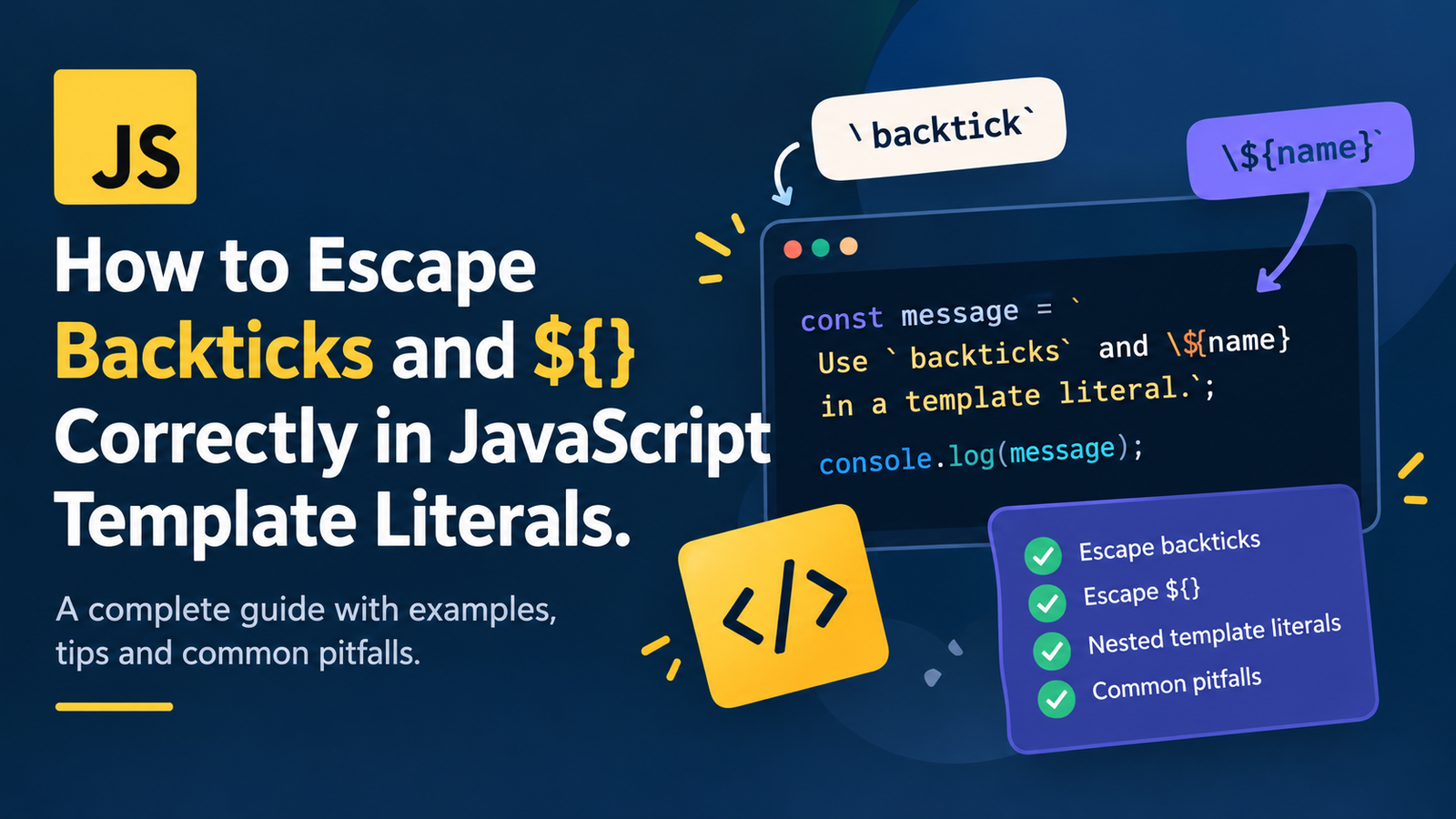
How to escape backticks and ${} correctly in JavaScript Templat Literals.
Template Literals allow to write multiline strings and insert variables in a string using JavaScript. Unlike string literals made with single and double quotes, template literals use backticks (“`) and you can put expressions inside of ${}.
While template literals are useful, when you need to print a literal backtick in the result, or print a literal {$} in the output, it can get tricky when you need to add code with JS expressions. Not providing the escape character can lead to syntax or printing errors.
With this guide, you will learn how the syntax of template literals works in JavaScript, how to escape backticks and ${} correctly, tips for handling nested template literals, and popular pitfalls to avoid.
So what do JavaScript Template Literals do?
JavaScript template literals are string literals that are defined using backticks ‘“`’ rather than single or double quotes. They were added to ECMAScript 2015 (ES6) and offer features like string interpolation, multiline string and tagged template literals.
The traditional string in JavaScript is similar to this:
const name = "Alex";
const message = "Hello, " + name + "!";
console.log(message);
Output:
Hello, Alex!A template literal allows you to make the same message more reader-friendly:
const name = "Alex";
const message = `Hello, ${name}!`;
console.log(message);
Output:
Hello, Alex!A string containing the value of the expression ${name}, which is evaluated.
Template literals help you to construct dynamic messages, format strings of text, create strings for HTML, code visualizations, and multithreaded content.
But backticks and ${} are special, so they need to be escaped, else they will be expanded during the compilation process.
The topic of this week is tackling a thorny issue – how to escape backticks in a javascript template literal.
Template literals are surrounded by the backtick ( ` ) characters. Putting an unescaped backtick in the string can cause JavaScript to think that it is the end of the template literal.
The literal backtick is inserted by putting a backslash (\) in front of it.
Escaping Backtick:
const message = `Use \` to create a template literal.`;

console.log(message);
Output:
Use ` to create a template literal.In this case, “` is a raw backtick to signal that it is not the end of the template literal.
Why do you need to escape a “`?
Given the following code:
const message = `JavaScript uses `backticks` for strings.`;This code will cause a syntax error because “backticks” is delimited with backticks: `backticks`.
The correct version is:
const message = `JavaScript uses \`backticks\` for strings.`;

console.log(message);
Output:
JavaScript uses `backticks` for strings.Escape a literal backtick within a template literal with “` because it is otherwise used to end the template literal.
This is how to escape ${}, in JavaScript Template literals.
Interpolating expressions is done using the ${} syntax. It enables JavaScript to perform variable, arithmetic and function invocation, and other expression evaluation within a template literal.
For example:
const price = 25;
const message = `The price is $${price}.`;

console.log(message);
Output:
The price is $25.The literal text is represented by a dollar, and ${price} is the value of the variable.
What about if you want to generate text that includes the ${name}?
You must backslash the $ before it can be used as an escape character.
Example: Displaying ${} Literally
const message = `Use \${name} to represent a variable placeholder.`;

console.log(message);
Output:
Use ${name} to represent a variable placeholder.The backslash “disables” the ${ sequence, so that it is not considered as an interpolation expression.
What Happens if you do not use the Escape Character?
Consider this example:
const message = `Use ${name} in your example.`;When evaluated, the template literal will throw a ReferenceError if name has not been declared.
JavaScript will replace ${name} by the value of name, if it has been defined.
Put the place holder in the text as is:
const message = `Use \${name} in your example.`;This is particularly helpful for creating documentation, code samples, template engines, or providing a sample syntax for demonstrations.
Exiting Out Of Backticks and ${} At The Same Time
On occasion, one might want to apply both a backtick and a ${}expression literal in a single template literal.
This means escaping each special sequence on their own.
const message = `Write \`Hello\` and use \${name} as a placeholder.`;

console.log(message);
Output:
Write `Hello` and use ${name} as a placeholder.The following is a list of what each escape sequence does:
- “` prints a backtick.
\${will show the literal${sequence.
However, the surrounding backticks are still used to specify the template literal.
This can be helpful when creating programming tutorials, Markdown documentation, code examples and instructional messages explaining JavaScript syntax.
Example: Writing Documentation
const documentation = `
Use \`const\` to declare a variable.
Write \${variable} to show a placeholder.
`;

console.log(documentation);
Output:
Use `const` to declare a variable.
Write ${variable} to show a placeholder.
Note that since template literals allow a multiline string, the newline characters are retained.
5. Template Literal Escaping in Action
JavaScript parses the escape sequences and the replacements in template literals as expected.
A character’s significance varies according to the situation. A backtick outside a string will start a template literal, and a backtick within a template literal will usually terminate the template literal unless it’s escaped.
Important cases are:
| Syntax | Meaning in a template literal |
|---|---|
`text` | Used to create a template literal |
| “` | Creates a backtick |
${expression} | Computes and displays the value of an expression |
\${ | Produces the literal ${ sequence |
\\ | Produces one backslash |
\n | Gives a new line |
For example:
const example = `Backtick: \`, placeholder: \${value}, newline:\nNext line`;

console.log(example);
Output:
Backtick: `, placeholder: ${value}, newline:
Next line
By knowing these rules, you will be able to prevent occurring unexpected string output and syntax error.
6. Template Literals with Variables and Expressions
A major benefit of template literals is that they allow for the use of expressions, directly inside string literals.
const firstName = "Alex";
const lastName = "Morgan";
const age = 28;

const message = `My name is ${firstName} ${lastName}, and I am ${age} years old.`;

console.log(message);
Output:
My name is Alex Morgan, and I am 28 years old.You can also insert calculations:
const price = 50;
const quantity = 3;

const message = `Total cost: $${price  quantity}`;

console.log(message);
Output:
Total cost: $150The content between ${} is interpreted as JavaScript code that is evaluated.
If you don’t intend to run this syntax in documentation, however, you should escape the $ option:
const explanation = `The syntax \${price  quantity} evaluates an expression.`;

console.log(explanation);
Output:
The syntax ${price quantity} evaluates an expression.It is very important to note the difference between ${} and \${, since the first one will evaluate an expression in JavaScript, while the second is used to represent the characters literally.
6. Nested Template Literals: Working with more than one backtic
Nested template literals are the nesting of one template literal inside another template literal. They can be of use when creating dynamic text, HTML or code.
But, there is a problem with nested template literals, since every template literal will contain its own pair of backticks.
Exemple: Template Literals imbrication
const name = "Alex";

const message = `Outer string: ${`Hello, ${name}!`}`;

console.log(message);
Output:
Outer string: Hello, Alex!The interpolation expression is first evaluated and its result substituted into the outer string, which is called the outer template literal.
Getting out of a Backtick for Generated Code
If you wish to create text that includes JavaScript template literal syntax:
const generatedCode = "const message = `Hello, ${name}!`;";
console.log(generatedCode);
Output:
const message = `Hello, ${name}!`;It may be more convenient to have to show backticks and ${} literally in the middle of an ordinary double-quoted string.
For those who favor using a template literal, you should escape at both places:
const generatedCode = `const message = \`Hello, \${name}!\`;`;

console.log(generatedCode);
Output:
const message = `Hello, ${name}!`;Hint: If there are lots of backticks or ${} sequences that need to be left untouched, try using regular quoted strings or some other method to build the string. The solution using the least confusing escape sequences is often the clearest.
8. How to tab in Template Literals
JavaScript has special sequences in strings that are indicated by backslashes. This implies that when you want to show a backslash, you’ll have to escape it in the output.
For example:
const message = `This is a backslash: \\`;

console.log(message);
Output:
This is a backslash: \Two consecutive backslashes in the source code sequence generate one backslash in the string in the target file.
Displaying an Escape Sequence (example):
You might want to print the characters `\n’ in documentation, but not add a line break.
The backslash can be evaded in the following two ways:
const message = `Write \\n to represent a newline escape sequence.`;

console.log(message);
Output:
Write \n to represent a newline escape sequence.This is true for the other escape sequences as well.
When writing documentation about JavaScript strings, be careful, because there can be varying numbers of backslashes in the source code and in the result.
9. New Feature: Template Literals (Template Strings)
There are a number of ways to create strings in JavaScript. Selecting the appropriate one can help make your code easier to read and maintain.
| Type | ‘ | ” | Template literals |
|---|---|---|---|
| String delimiters | ' ' | " " | Backticks |
| Variable substitution | No | No | Yes (via ${}) |
| Multiline source text | – | – | – |
| Literal backtick handling | No special escaping needed | No special escaping needed | Must escape as “` |
Literal ${} handling | No special escaping | No special escaping | Escape as \${ |
If you just want to write template literal syntax then a regular string might be easier:
const syntax = "Use `${name}` to insert a variable.";
console.log(syntax);
Output:
Use `${name}` to insert a variable.These three symbols in the double-quoted string are regular characters: the dollar sign, the braces, and the backticks.
If you need to interpolate variables, however, it’s often easier to read a template literal.
const name = "Alex";
const greeting = `Hello, ${name}!`;
Use template literals when string or multiline strings are needed, and for interpolation. Use common strings whenever they are a more convenient way of pronouncing a desired output.
10. Template Literal pitfalls in JavaScript
Errors can occur with template literals, especially for those with a bit more experience in coding or describing the JavaScript syntax.
Mistake 1: ‘) missing.
Incorrect:
const message = `This is a `backtick` example.`;No escaping of backticks so that can interfere with the string delimiters.
Correct:
const message = `This is a \`backtick\` example.`;Mistake 2: Not including ${} in your code
When the objective is to produce a literal output, the incorrect response will be:
const message = `Use ${username} as a placeholder.`;This will throw a ReferenceError if there is no username.
Correct:
const message = `Use \${username} as a placeholder.`;Mistake 3: Erroneous escapement from Wrong Character
If you want to use ${name} literally, then you need to escape the dollar, but not theopening brace.
Correct:
const message = `\${name}`;Output:
${name}Wrong 4: Too many Backslashes.
When adding too many back slashes JavaScript escape sequences can be confusing.
For example:
const message = `\${name}`;This produces ${name}.
By contrast:
const message = `\\${name}`;In this case, the \ routing symbol for the literal backslash is not deemed to be a signal for closing the $identifier section.
Suppose that you call the function on the string “Alex”, the result is:
\AlexThe knowledge of how each backslash is considered will help to avoid surprising outcomes.
Mistake 5: Thinking that Escaping Works the Same Everywhere
Depending on their context, the backslash `() can represent something inside a string, a regular expression, a JSON document or other languages.
Escaping a backtick in a JavaScript template string is different to escaping a backtick in a JSON string. JSON differes from Ruby’s syntax in that strings are not contained in backticks.
When picking an escape sequence, make sure to consider what language and what parsing context it is supposed to handle.
10. Practical Examples of Template Literal Escaping
Consider some practical scenarios where backticking and ${} are helpful.
This is a tutorial for building a JavaScript Tutorial.This is a “How To” guide on building a JavaScript Tutorial.
const tutorial = `
JavaScript template literals use backticks.
Write \`const message = \`Hello\`;\` carefully in code examples.
Use \${name} when explaining interpolation.
`;

console.log(tutorial);
An example of how to show the syntax in documentation. In more complicated instances, though, a Markdown code block or an ordinary quoted string might be more easily maintained.
Example 2: While creating the Markdown Code.
const codeExample = "```javascript\nconst message = `Hello, ${name}!`;\n```";

console.log(codeExample);
Output:
```javascript
const message = Hello, {name}!;
In this case, the outer string is quoted (double quotes), so the backticks and `${name}` are left unchanged. The `\n` indicate the insertion of new lines.

This is helpful when programmatically generating your Markdown documentation.

### Example 3: Create a Text with Literal Placeholder

```javascript
const template = `Hello, \${firstName}!`;

console.log(template);
Output:
Hello, ${firstName}!This will be helpful for storing a template to be processed by another system later on.
Please note, a Placeholder is not necessarily a working template just because it’s displayed. It has to be interpreted or substituted by another process.
Example 4: Combining Literal Text and Dynamic Values
const user = "Alex";

const message = `The placeholder is \${user}, and the actual value is ${user}.`;

console.log(message);
Output:
The placeholder is ${user}, and the actual value is Alex.As mentioned in this example, it is possible to use a literal placeholder in a template literal together with an evaluated expression.
11. Advanced tricks to escape from JavaScript Template Literals.
You can make code easier to read and fewer errors by just following a few tips.
- Escape Literal Backticks: Use the backslash in a template literal when you want to use the literal backtick.
- Use literal interpolation syntax
\${to display${and avoid interpreting as an expression. - Select the easiest string delimiter: When lots of backticks are needed, you may also try using single or double quotes.
- Generated code should remain readable: Use a template engine or if you need get pretty advanced with your string concatenation for complex code-generation.
- Check actual output: When logging a string, it is possible to miss hand, unwanted characters (characters not in the string can be interpolated) and desired line breaks (will only be in the log if the string contains a carriage return/line feed).
- Know what context to parse for: JavaScript, JSON, HTML or regexp.
Extra backslashes in an unlikely manner can alter the output, or even make the code difficult to read.
- Safe use of DOM APIs in HTML: Avoiding the use of invalid text put in the DOM with innerHTML when displaying text from untrusted resources.
Just recall that getting out of the way removes some characters from being considered as JavaScript syntax in a specific context. It does not sanitize random data into something acceptable for HTML/SQL/URL/whatever.
How to Debug Template Literal Syntax Errors
If there are errors in a template literal or the results are not as expected, carefully check the source.
Begin at these checks:
- Make sure opening and closing backticks match. All template literals need to have a valid delimiter.
- Check if there are unescaped backticks within the string. The template literal can be prematurely closed by one surprise backtick.
- Inspect
${}sequences. Figure out if each sequence is for an expression or to be written out literally. - Review backslashes. Check that the desired character is being produced for each backslash present.
- Check variable names. An unescaped interpolation expression might refer to an undeclared variable.
- Log the result. Use console.log() to see the actual output and the needed string to verify.
- Try a smaller case. Eliminate code until the problematic sequence is found.
For instance, this code prints a “literal” placeholder:
const message = `The value is \${value}.`;
console.log(message);
However this code calculates the value of the following variable:
const value = 10;
const message = `The value is ${value}.`;
console.log(message);
Output:
The value is 10.This helps to understand whether what you’re typing is being seen as syntax or text by JavaScript.
Key Takeaways
Powers of template literals are strings in JavaScript held as more flexible, but special characters have to be taken care of appropriately.
- Template literals start and end with backticks.
- Escape Literal backtick in a template literal using “.
- Literally print
${}to avoid being interpreted as an expression to evaluate with\${. - When a value is to be evaluated and inserted use
${expression}. - To print a literal backslash use
\\. - Simple print-outs of code syntax may be easier to use ordinary single-quoted or double-quoted Strings.
- Abstract syntax – nested template literals means that extra consideration should be given to the opening and closing delimiters.
- Always Validate dynamic documentation and/or code-generation.
- Please note in no way that the escaping behavior of JavaScript strings differs from that of the JSON and HTML escaping contexts as well as that of json-formatting.
After learning about the difference between literal text and interpolation syntax, escaping template liters can be a breeze.
How do I get in touch with you?How can I reach you?
How to escape a backtick in Javascript?
Escape the backtick within a template literal.
const text = `This is a \`backtick\`.`;
console.log(text);
Notice that you will see a ‘backtick’ when you look at the output.
In the output the backtick is present as a literal, rather than to terminate the template literal early.
2. How to get out of ${} in a JavaScript template literal?
Put a backslash in front of the dollar sign.
const text = `Use \${name} as a placeholder.`;
console.log(text);
Output: Use name as a placeholder.
This means that JavaScript will not take the sequence as an expression for interpolation.
3. Are backticks allowed in JavaScript template-literals?
Yes. To add a literal backtick, use the backslash before the backtick, that is, use ‘\`’. The unescaped backtick is the typical end of the template literal.
4. What is special about ${} in JS template literals.
The ${} syntax is used to add an expression that JavaScript evaluates and adds to the string to be produced. For example, ${2 + 3} produces 5. To show characters literally, use ${} along with desired holder text between the brackets.
What’s the difference between \${name} and ${name}?
The first will show the literal text ${name}. The second checks the string variable ‘name’ and uses its value, which is a string, to replace the variable.
6. What is the way you in documentation show the JavaScript template literal syntax?
Backticks and interpolation markers can be escaped inside template literals or you can use a single-quoted or double-quoted string when this is easier. Markdown code blocks also come in handy for showing code examples that do not execute their code.
7. Can some kind of escape (e.g. \) stop JavaScript from evaluating the expression in ${}?
Yes. If a dollar sign is to be used in a template literal, it can be escaped by using \$: \${. The final string has the actual ${ characters.
9. What is a backslash in a template literal called?
The pair of backslashes in the source will yield a single backslash in the output.
const text = `Path separator: \\`;
console.log(text);
9. Do the escape rules of template literals match those for JSON?
Yes, JavaScript template literals are with backticks and allow for interpolation with ${}. JSON strings are double quoted and do not support template literal interpolation. Always adhere to the escaping rules for the language/format you’re producing.
10. When are you not allowed to use JavaScript template literals?
Do not use them when just regular quoted strings would be appropriate, such as when you would like to print many quoted backticks or use of ${} sequences. If a lot of code needs to be generated, there may be a need for a dedicated templating system, rather than many levels of escaping.